Turn a 6 × 4 inch print requirement into pixels
Physical size needs a density value. At 150 PPI, a 6 × 4 inch image requires 900 × 600 pixels: multiply each length in inches by 150. At 300 PPI, the same print dimensions require 1800 × 1200 pixels.
The test export has the expected 900 × 600 pixels and a 150 PPI density tag. Its PNG file is larger than the original even though its dimensions are smaller; pixel size does not determine compressed file size.
- Input
- 31,541 bytes
- Output
- 56,773 bytes
- Result
- 900 × 600 px
Settings: Width 6; height 4; units inches; 150 PPI; PNG; Contain.
Download input · Download measured output
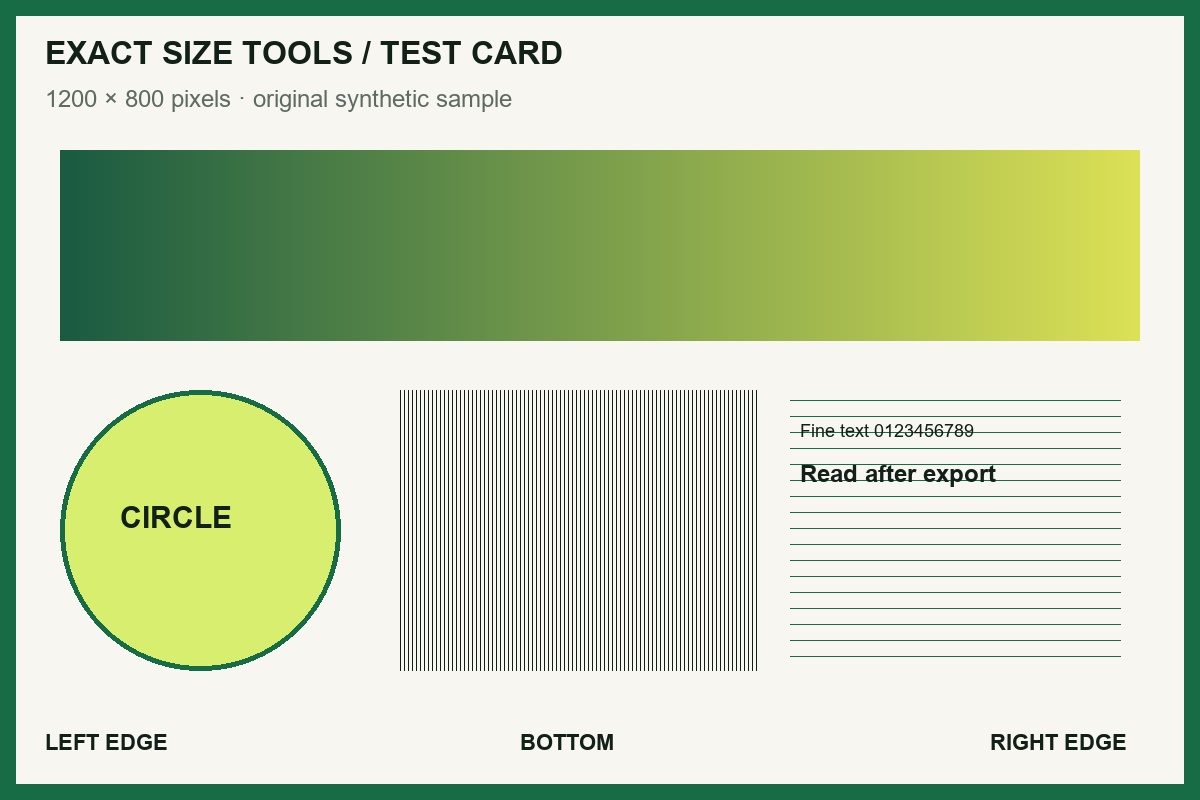
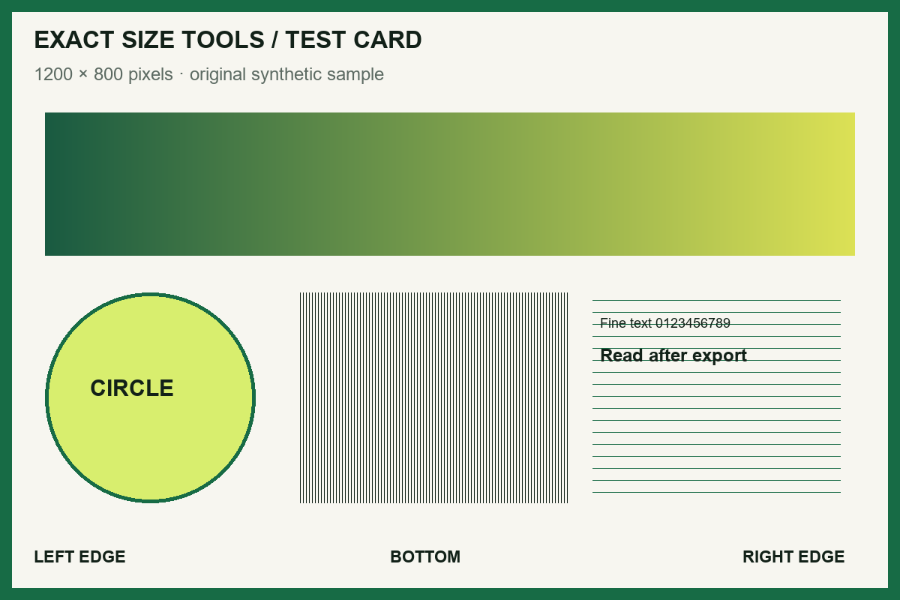
Measured with this site’s processing engine in Edge 156 on 27 October 2026. These are results for this sample, not promised sizes for other files. Browser encoders can produce different byte counts. How to repeat the examples
| Physical rule | Calculation | Pixels after rounding |
|---|---|---|
| 35 × 45 mm at 300 PPI | mm ÷ 25.4 × 300 | 413 × 531 |
| 5 × 5 cm at 300 PPI | cm ÷ 2.54 × 300 | 591 × 591 |
| 6 × 4 inches at 150 PPI | inches × 150 | 900 × 600 |
These are conversion examples, not official document requirements. If the source already has the required pixels and only its density tag is wrong, use Change Image DPI.
Before you accept the download
- Confirm the units before typing: 35 mm is not 35 cm.
- Keep an original with enough detail; enlarging a small source cannot recover detail.
- Print at actual size / 100% and measure a test print. Printer “fit to page” changes physical size.
How it works
Three clear steps
- 01
Choose an image.
- 02
Enter the width, height, unit, and PPI required for printing.
- 03
Process and verify the calculated output pixels before downloading.
What this tool does
Keep physical size, pixels, PPI, and file size clearly separated.
How this result is produced
Physical measurements are converted to pixels using the selected PPI: pixels equal the requested inches multiplied by PPI. The image is then resampled to those calculated dimensions.
Practical example
For 35 × 45 mm at 300 PPI, calculate width as 35 ÷ 25.4 × 300 ≈ 413.386 pixels and height as 45 ÷ 25.4 × 300 ≈ 531.496 pixels. The tool rounds to 413 × 531 pixels using its rounding rule. This changes the pixel grid; a PPI metadata change alone would not. Check the final bytes separately.
Limits and troubleshooting
- PPI describes pixel density for physical output; it does not guarantee printer behavior.
- Upscaling does not add real photographic detail.
Check the selected unit before processing: 35 inches is very different from 35 millimetres. If the calculated pixel dimensions are unusually large, lower the physical size or PPI to a value the intended print workflow actually requires.
Questions people ask
Is DPI the same as pixels?
No. Pixels are the image dimensions. PPI/DPI relates those pixels to a physical print size. File size in KB is a separate property.