Detail and compression
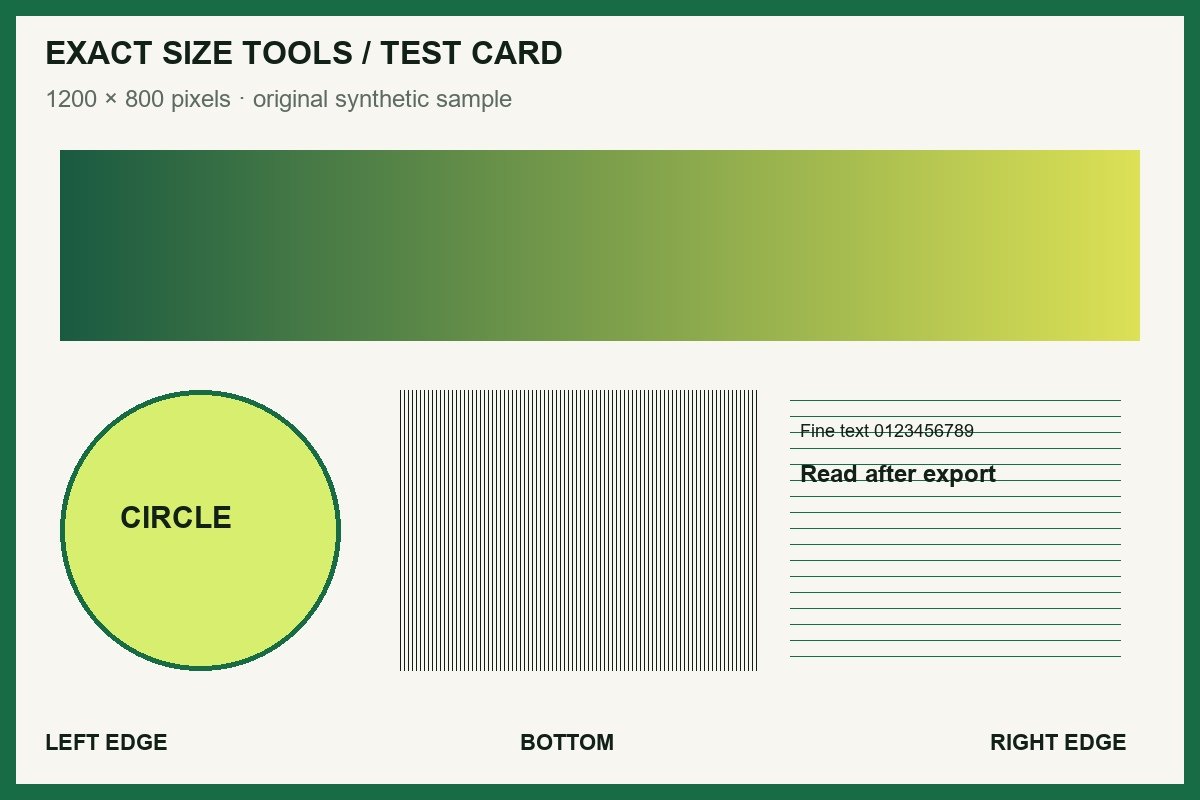
1200 × 800 JPG with fine lines, gradients and edge labels.
Guides
Practical explanations of image dimensions, PPI, compression targets, formats, and preparing files produced by other online tools.
Practice without personal files
These original synthetic files make changes visible: labelled edges expose cropping, a pale line exposes lost strokes, and page labels expose PDF order mistakes. They are practice material, not official application examples.
1200 × 800 JPG with fine lines, gradients and edge labels.
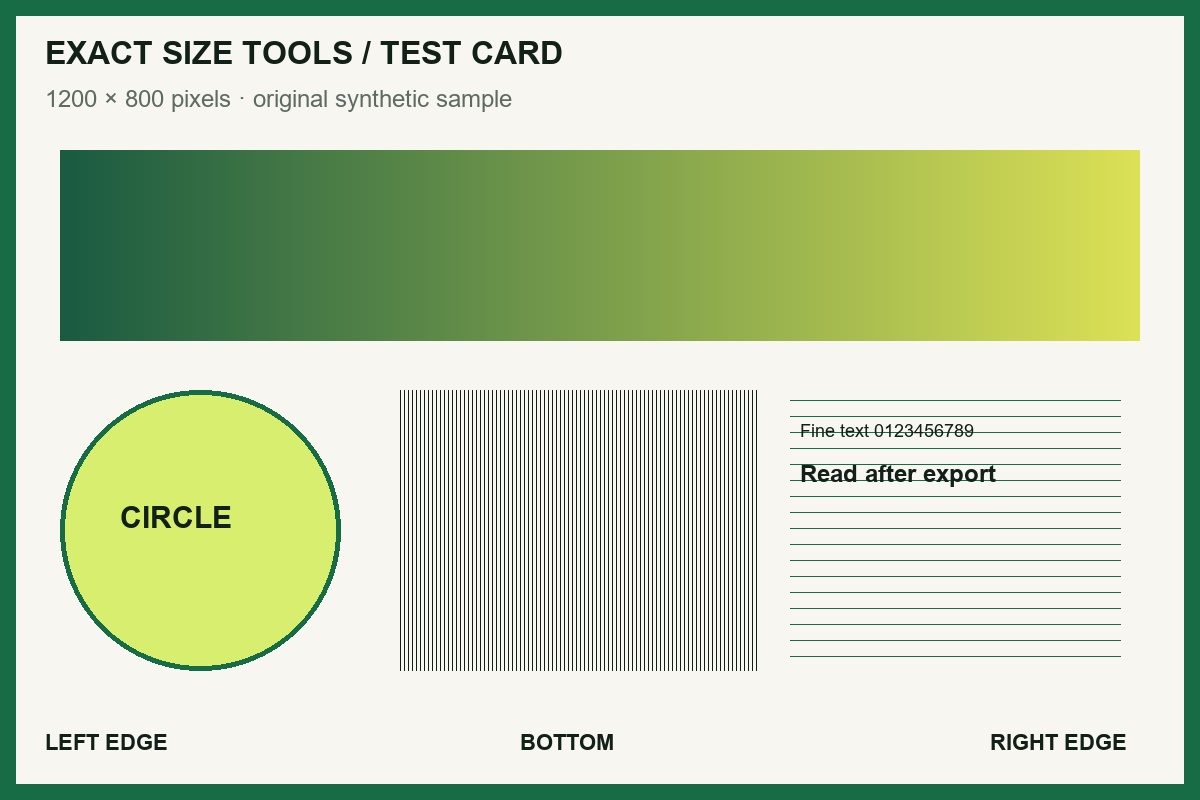
1200 × 800 PNG with a 96 PPI tag. Compare Contain, Cover and metadata-only edits.
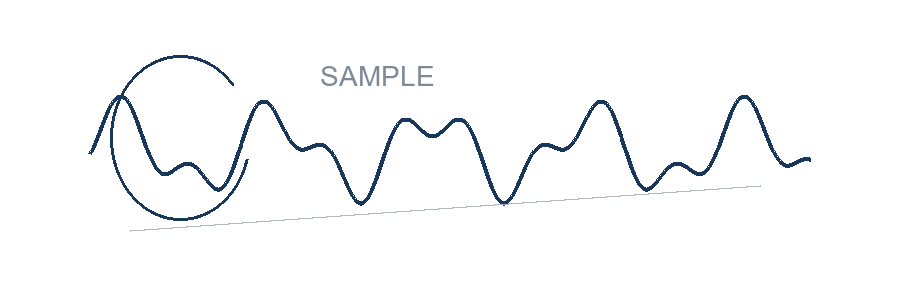
900 × 300 PNG with real alpha transparency and an intentionally pale line.
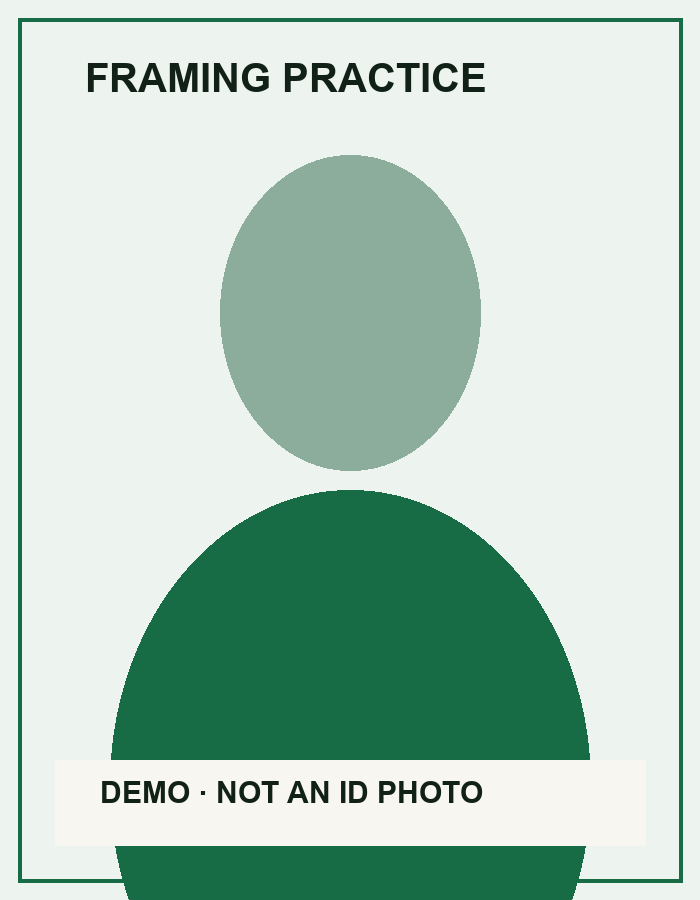
700 × 900 geometric diagram. No real person; not valid for an identity document.
PDF A has two pages, A1 and A2. PDF B has one page, B1.
Four measurements are often mixed together: pixel dimensions, physical print size, PPI, and file size. Pixels describe the image grid. Inches, millimetres, or centimetres describe the intended print area. PPI connects those two measurements, while KB or MB records how many bytes the encoded file occupies.
A 1200 × 1800 pixel image can print at 4 × 6 inches at 300 PPI because 1200 ÷ 300 = 4 and 1800 ÷ 300 = 6. Changing only the PPI tag does not add pixels or detail. If a form asks for exact pixel dimensions, follow that rule directly instead of trying to reach it through PPI.
Screen-based uploads usually care about pixel width, pixel height, format, and byte size. Print services may also read density metadata. Check the receiving instructions before resampling an image that already has enough pixels.
Read the upload rule literally. “Up to 250 KB” calls for a maximum: any verified file at or below the ceiling should pass that part of the check. A range such as “100–250 KB” needs both a floor and a ceiling. An instruction that says “approximately 200 KB” may justify an exact target.
Image encoders expose stepped quality and dimension controls, not a dial for every possible byte count. Exact Size Tools treats an exact image result as within ±2% of the target and reports the final byte count. If the receiving form only gives a maximum, maximum mode preserves more quality and avoids chasing a needlessly narrow number.
JPG suits most photographs and produces broadly accepted, compact files. PNG is the safer choice for signatures, line art, screenshots, and anything that needs transparent pixels. WebP can be smaller, but use it only when the receiving service lists it as accepted. Converting transparency to JPG permanently fills those pixels with the background colour you choose.
When a portal accepts an image as evidence, crop a screenshot to the relevant information and keep every number and label readable at normal zoom. If the portal specifies pixels, resize the cropped image to those dimensions. When the source application can export a PDF and the portal accepts PDF, prefer that export to a compressed screenshot.
Open the downloaded file before submitting it. Confirm the dimensions, format, and byte count, then zoom in on faces, handwriting, small labels, and figures. Keep the original file until the receiving service has accepted the new version.
The PDF compressor rewrites document structure; it does not automatically lower the resolution of embedded scans or photographs. An already optimized or image-heavy file may stay nearly the same size. Compare the measured input and output bytes, and keep the original if the new file offers no useful reduction.
If a portal requires a much smaller scan, return to the authorized scanner or source application, reduce image resolution there, export a new unrestricted PDF, and inspect every page before uploading. A preferred maximum is a goal, not a promise that this tool can meet it.
Choose JPG or PNG images in reading order, then use the move controls to correct that order. Rotate any page that is sideways. A4, Letter, or fit-to-image page size and the selected margins determine how much page area remains for each image.
Contain keeps the whole image visible and may leave blank space; cover fills the available area and can crop edges. Before uploading, open the downloaded PDF, count its pages, and check small text, margins, rotation, and the first and last page.
Add only documents you are authorized to use. Put them in the intended order before merging, then compare the reported combined page count with the sum of the source page counts. A merge copies pages; it does not verify that the content or signatures are correct.
Password-protected, restricted, or malformed PDFs are not bypassed. If one is rejected, make an unrestricted copy in the authorized source application. Open the final download in an independent PDF viewer and inspect page order, orientation, legibility, and any form fields you rely on.
Suppose a form asks for an 800 × 800 JPG under 250 KB. Resize to that canvas first, choosing Contain to keep all content or Cover to fill it. Export JPG, then use Maximum 250 KB. Inspect the resulting dimensions: if compression reduced them below 800 × 800, the byte pass alone is not enough. Try a better original or a different permitted encoding, and recheck both requirements.
Use Verify Upload Requirements to record the exact wording before processing. For a minimum-size rule, remember that a larger byte count does not prove greater detail, and for a print rule, use physical dimensions plus PPI.
Measurements shown on the tool pages were made in Microsoft Edge 156.0.4314.42 on 27 October 2026. Settings are listed beside each result. Download both files to inspect the claim, or load a sample in the tool and repeat it. Different browsers and encoder versions can produce different byte counts. A result for one synthetic sample is not a claim about all photos or documents.