A strict 25 KB ceiling, with dimensions checked
The source is a deliberately detailed test chart. This run passed the 25,000-byte ceiling without reducing its pixel dimensions. Inspect the thin lines and small text as well as the byte count.
- Input
- 130,077 bytes
- Output
- 24,352 bytes
- Result
- 1200 × 800 px
Settings: Maximum mode; 25 KB; JPG output. Leave the source dimensions unchanged.
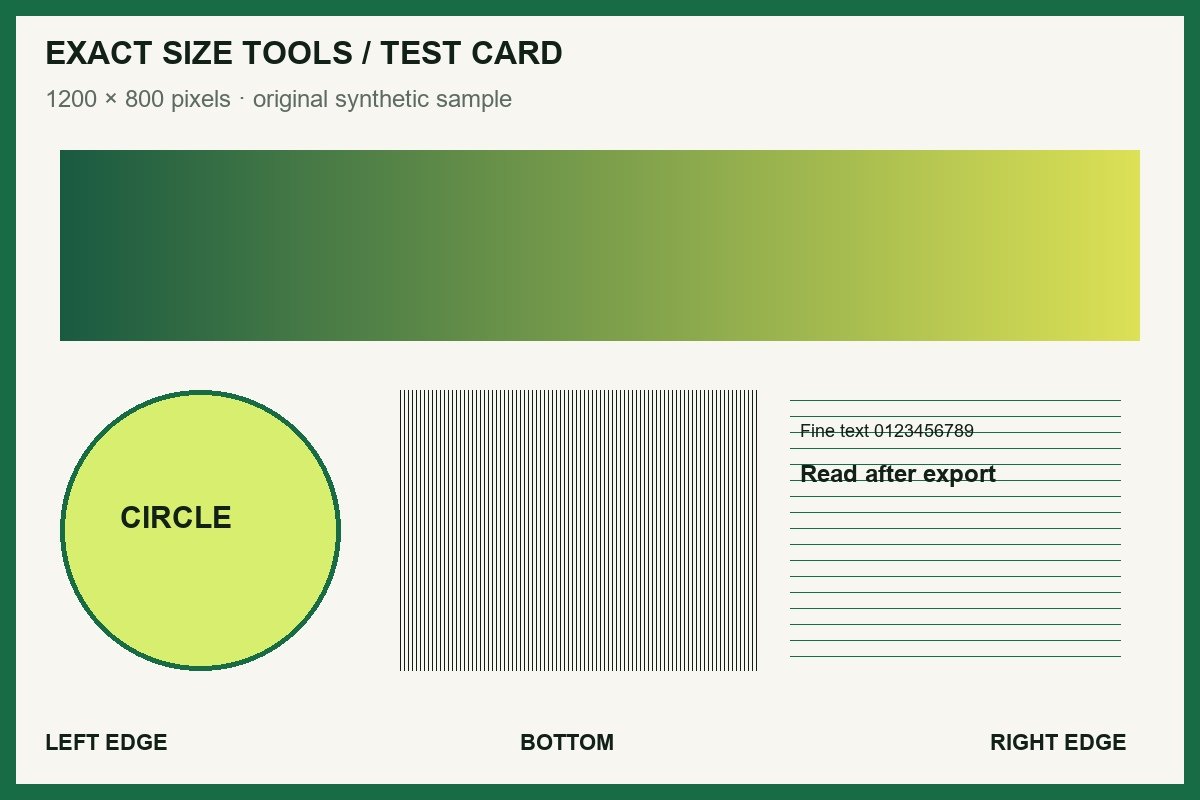
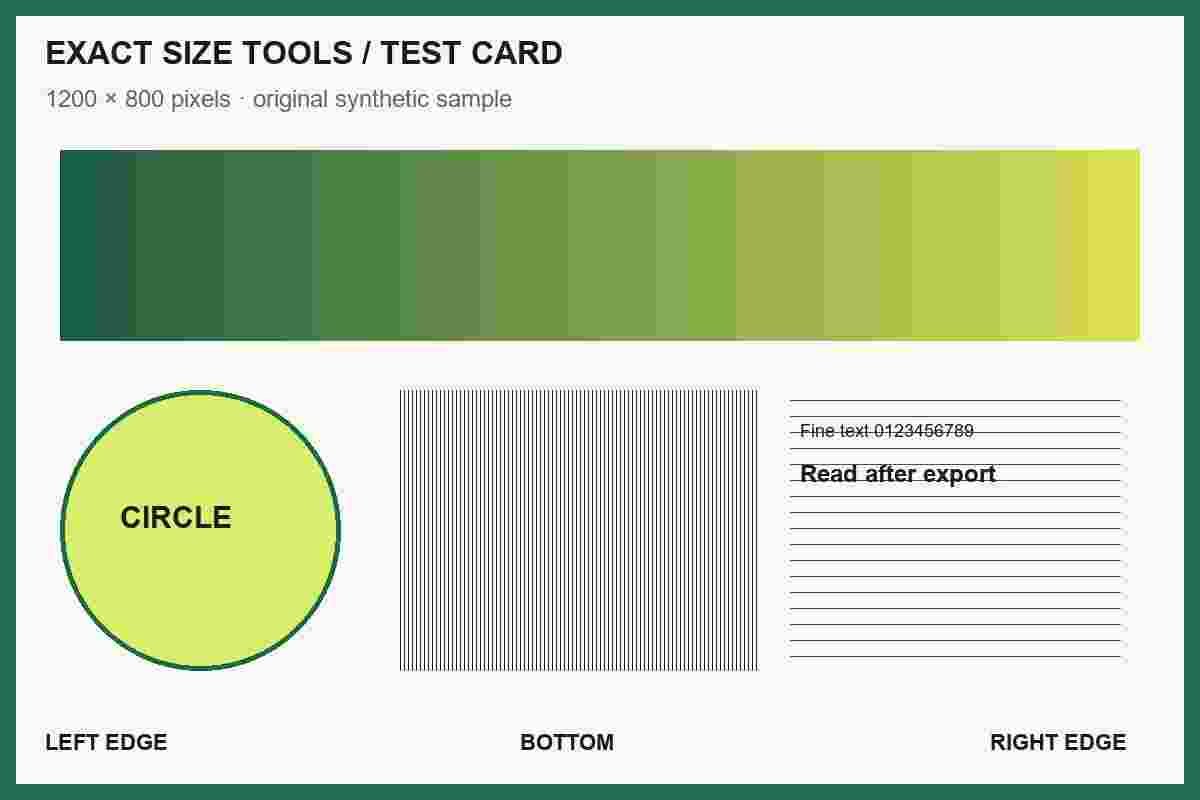
Measured with this site’s processing engine in Edge 156 on 27 October 2026. These are results for this sample, not promised sizes for other files. Browser encoders can produce different byte counts. How to repeat the examples
| The rule says | Choose | Passing result |
|---|---|---|
| Up to 25 KB | Maximum: 25 KB | At most 25,000 bytes |
| Approximately 25 KB | Exact: 25 KB | 24,500–25,500 bytes with this tool’s ±2% tolerance |
| 20–25 KB | Range: 20 to 25 KB | 20,000–25,000 bytes |
Exact mode can exceed a strict ceiling. If the form has a maximum, use Maximum even when you would like the file to be close to that number.
Before you accept the download
- Compare the final width and height with the form’s separate pixel rule.
- Open the saved file at 100% zoom and inspect small text, faces, and fine strokes.
- Use the exact byte count if the portal defines its units differently. This site uses 1 KB = 1,000 bytes.
How it works
Three clear steps
- 01
Choose a supported image.
- 02
Select exact, maximum, or range mode and enter the size in decimal KB or MB.
- 03
Process the file, review the verified result, and download it.
What this tool does
Each compression attempt is measured against the exact, maximum, or range rule you selected.
How this result is produced
The compressor tests a controlled range of quality settings and reduces dimensions only when quality changes are not enough. It measures the finished file against the selected exact, maximum, or range rule before enabling the download.
Practical example
If a portal says “up to 250 KB,” choose Maximum 250 KB: the measured result must be at or below 250,000 bytes. If it says “approximately 250 KB,” choose Exact 250 KB: this tool accepts 245,000–255,000 bytes (±2%). For “100–250 KB,” choose Range with a 100 KB floor and 250 KB ceiling. Check the displayed final byte count before upload.
Limits and troubleshooting
- Exact mode uses a ±2% tolerance because browser encoders expose quality steps, not exact byte control.
- Metadata is removed during canvas re-encoding. Animated PNG and WebP are rejected; use a still image.
- Very small targets can require dimension reduction. If no safe encoding meets the rule, the tool labels the closest result as failed; do not submit that download to a portal with a strict byte limit.
If no version passes, the target may be too small for the image and chosen format. Try a maximum or range rule, reduce the dimensions, or export a fresh JPG, PNG, or WebP if the source cannot be decoded.
Questions people ask
What does KB mean here?
Exact Size Tools uses decimal units: 1 KB is 1,000 bytes and 1 MB is 1,000,000 bytes. The result also shows the exact final byte count.
Will maximum mode ever return a larger file?
No. The download is marked as passing only after the finished file is measured at or below the selected maximum.