See what happens when transparent PNG becomes JPG
The input has real transparent pixels and a faint stroke. The JPG output replaces transparency with white. For this line-art sample, JPG is larger than the original PNG.
- Input
- 6,854 bytes
- Output
- 23,342 bytes
- Result
- 900 × 300 px
Settings: JPG; output quality 90%; white background.
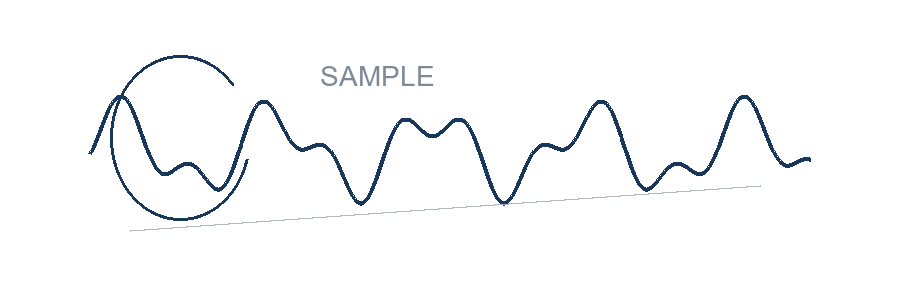
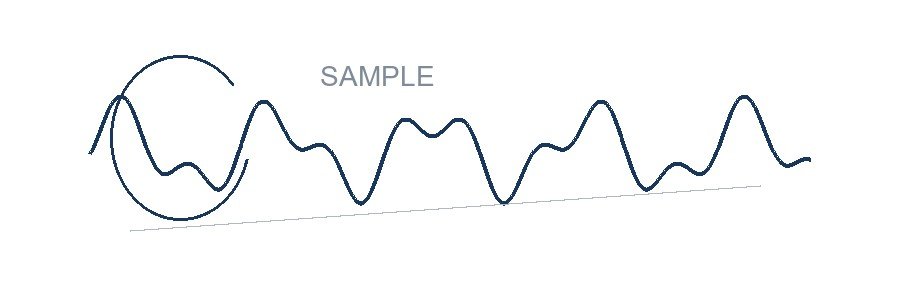
Measured with this site’s processing engine in Edge 156 on 27 October 2026. These are results for this sample, not promised sizes for other files. Browser encoders can produce different byte counts. How to repeat the examples
| File | Actual bytes | Transparency |
|---|---|---|
| Original PNG | 6,854 | Present |
| JPG at 90% | 23,342 | Filled white |
| WebP at 90% | 9,694 | Preserved |
Download the measured WebP. This sample illustrates why “convert to JPG” does not always mean “make smaller.” Use the format accepted by the receiving service, then compare the actual result.

Before you accept the download
- Place a transparent output over a dark background to confirm which pixels are transparent.
- Inspect pale strokes and edges after a lossy conversion.
- Renaming a file extension is not conversion; check the exported format and open the saved file.
How it works
Three clear steps
- 01
Choose an image.
- 02
Pick JPG, PNG, or WebP and set quality where applicable.
- 03
Choose a background before converting transparent pixels to JPG, then download.
What this tool does
See the source and output format, exact bytes, dimensions, and background behavior.
How this result is produced
The browser decodes the source and writes a new JPG, PNG, or WebP file. When transparent pixels are converted to JPG, the selected background is applied because JPG has no transparency channel.
Practical example
A transparent signature can stay transparent in PNG or WebP. If a portal requires JPG, choose a white background before conversion because JPG cannot store transparency, then reopen the output to check edges and any faint strokes. Check the portal’s accepted format list rather than assuming WebP is supported.
Limits and troubleshooting
- JPG cannot preserve transparency.
- PNG export is lossless at the encoder level but source decoding and canvas color handling can normalize data.
If a format is unavailable, that encoder may not be supported by the current browser; try PNG or JPG instead. A file that will not preview should be opened and saved again in a trusted image editor before another conversion attempt.
Questions people ask
Which format is smallest?
It depends on the image. WebP and JPG are often smaller for photographs; PNG is often better for flat graphics and transparency.