Build two pages without cutting off their edges
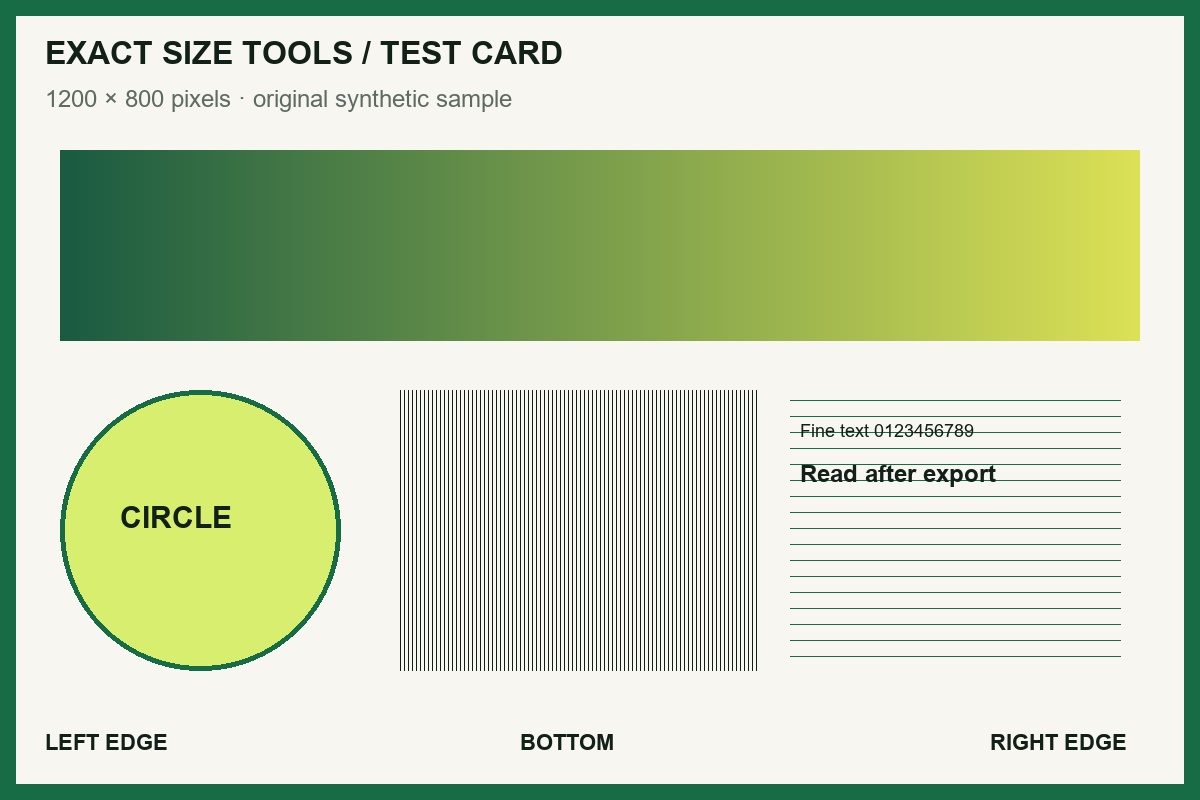
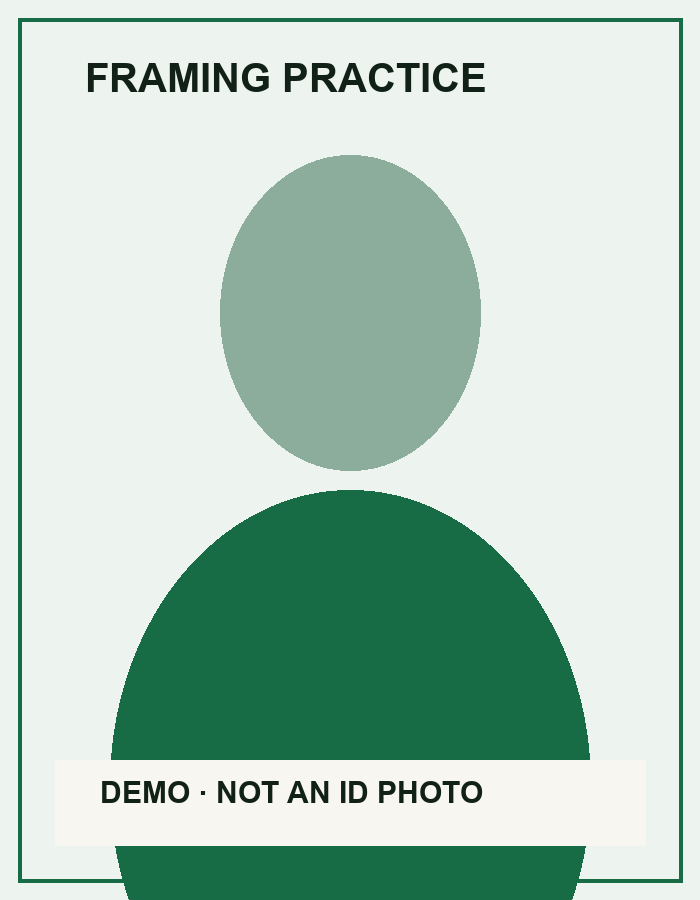
Load the two sample images. Put the landscape chart first and the tall framing card second. Choose A4, portrait, a 24 pt margin, and Contain whole image, then create the PDF.
| Setting | What it controls | What to inspect |
|---|---|---|
| A4 / Letter | The physical PDF page canvas | Page size in your PDF viewer |
| 24 pt margin | One third of an inch, about 8.47 mm | Space between the image and each page edge |
| Contain whole image | Keeps all content inside the available area | All edge labels and the demo caption remain visible |
| Cover page area | Fills the area by cropping excess content | Look for missing labels at the edges |
Download image 1 · Download image 2. The expected result is exactly two pages in that order. The images are placed on pages; this tool does not perform OCR or turn their text into editable text.
Use Fit when the page should follow the image’s proportions. If the recipient specifies A4 or Letter, select that named paper size instead.
Download the example result, generated through this tool with the settings above on 27 October 2026. Open it in your PDF viewer to check the page order and layout.
Before you accept the download
- Count two pages in the sample result and confirm the chart is first.
- Check rotation and all four edges at normal reading zoom.
- Make sure small text remains readable; PDF packaging does not improve a blurred source.
- If you already have PDFs, use Merge PDF instead of turning them into screenshots.
How it works
Three clear steps
- 01
Choose one or more images.
- 02
Reorder, rotate, or remove files and select the page layout.
- 03
Create the PDF, review its page and byte summary, then download.
What this tool does
Ordering, removal, rotation, page size, orientation, margins, and contain or cover behavior stay under your control.
How this result is produced
The selected JPG or PNG images are embedded into a new local PDF in the order, rotation, page size, margins, and contain-or-cover layout you choose.
Practical example
For scanned pages, add the images, put them in reading order, choose A4 portrait with margins, then download the resulting PDF after checking its page count.
Limits and troubleshooting
- Unsupported formats and animated PNG are rejected. Use still JPG or PNG sources.
- Very large image sets are blocked to protect mobile memory.
If creation stops on a large set, remove a few pages or reduce the source-image dimensions before trying again. Re-save any image that does not preview, then confirm the final PDF page count and order before relying on it.
Questions people ask
Are my images uploaded?
No. Code loaded from this site assembles the selected images into a PDF inside the browser tab; the file bytes are not sent to Exact Size Tools.