Meet a 30 KB minimum and check what changed
This run increased the source from 17,413 to 34,593 bytes through high-quality re-encoding while keeping 600 × 400 pixels. The larger byte count did not add missing detail.
- Input
- 17,413 bytes
- Output
- 34,593 bytes
- Result
- 600 × 400 px
Settings: Minimum 30 KB; JPG output.
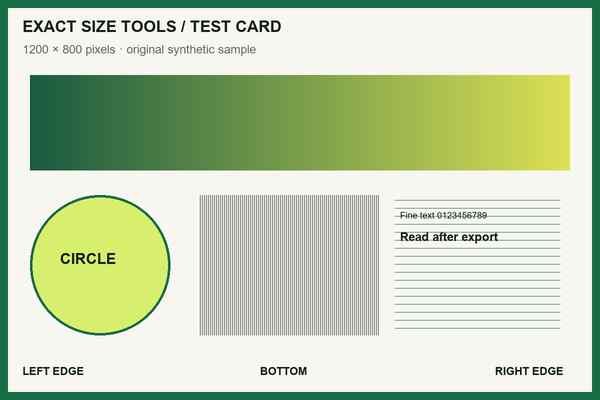
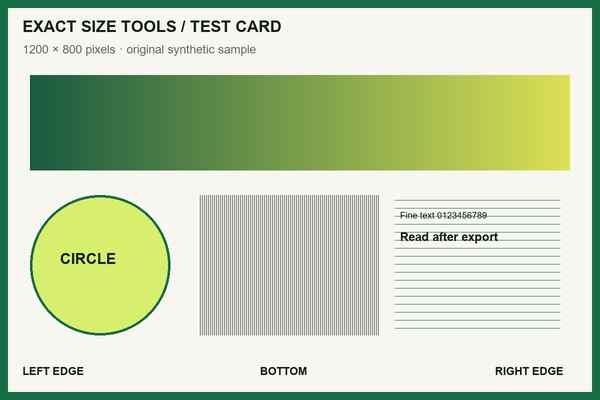
Measured with this site’s processing engine in Edge 156 on 27 October 2026. These are results for this sample, not promised sizes for other files. Browser encoders can produce different byte counts. How to repeat the examples
The tool tries high-quality encoding first and may enlarge dimensions when necessary. A file can pass a minimum-byte rule and fail a fixed-pixel rule, so the displayed dimensions are part of the decision.
If the form requires both a floor and a ceiling, such as 30–50 KB, use Range mode in the KB tool to check both bounds. This page’s minimum alone does not enforce an upper limit.
Before you accept the download
- Compare original and final pixel dimensions; reject an enlargement if the form requires fixed pixels.
- Confirm any maximum as well as the minimum.
- Do not use file size as a measure of sharpness. Keep a clearer original when one is available.
How it works
Three clear steps
- 01
Choose an image.
- 02
Enter the minimum required file size.
- 03
Process the image and review whether re-encoding or limited resizing was used.
What this tool does
The tool validates the produced file and explains that more bytes do not necessarily mean more detail.
How this result is produced
The tool first tries a higher-quality encoding and, when necessary, a limited increase in pixel dimensions. It does not pad the file with arbitrary bytes, and it measures the finished image against the requested minimum.
Practical example
If a form needs at least 200 KB and your image is 90 KB, enter 200 KB and inspect the measured result. A larger encoding can use more bytes without adding real detail. If the tool cannot meet the floor within its safe limits, use the failed-target warning to choose a better source or revise the upload plan; do not append meaningless data.
Limits and troubleshooting
- Increasing byte size does not necessarily improve visual detail.
- The tool will not append arbitrary data or create an excessively large canvas.
If the requested minimum cannot be reached within the safety limits, use the lowest size the receiving form accepts or start from a higher-resolution original. Repeatedly enlarging an already small image increases bytes without recovering detail.
Questions people ask
Why would a portal require a minimum size?
Some upload validators use minimum byte rules as a rough quality check. This tool meets the rule safely where feasible, but added bytes are not proof of added detail.